Or drop images here.

PNG / JPG / WEBP / AVIF · Batch upload · Max 5 MB each

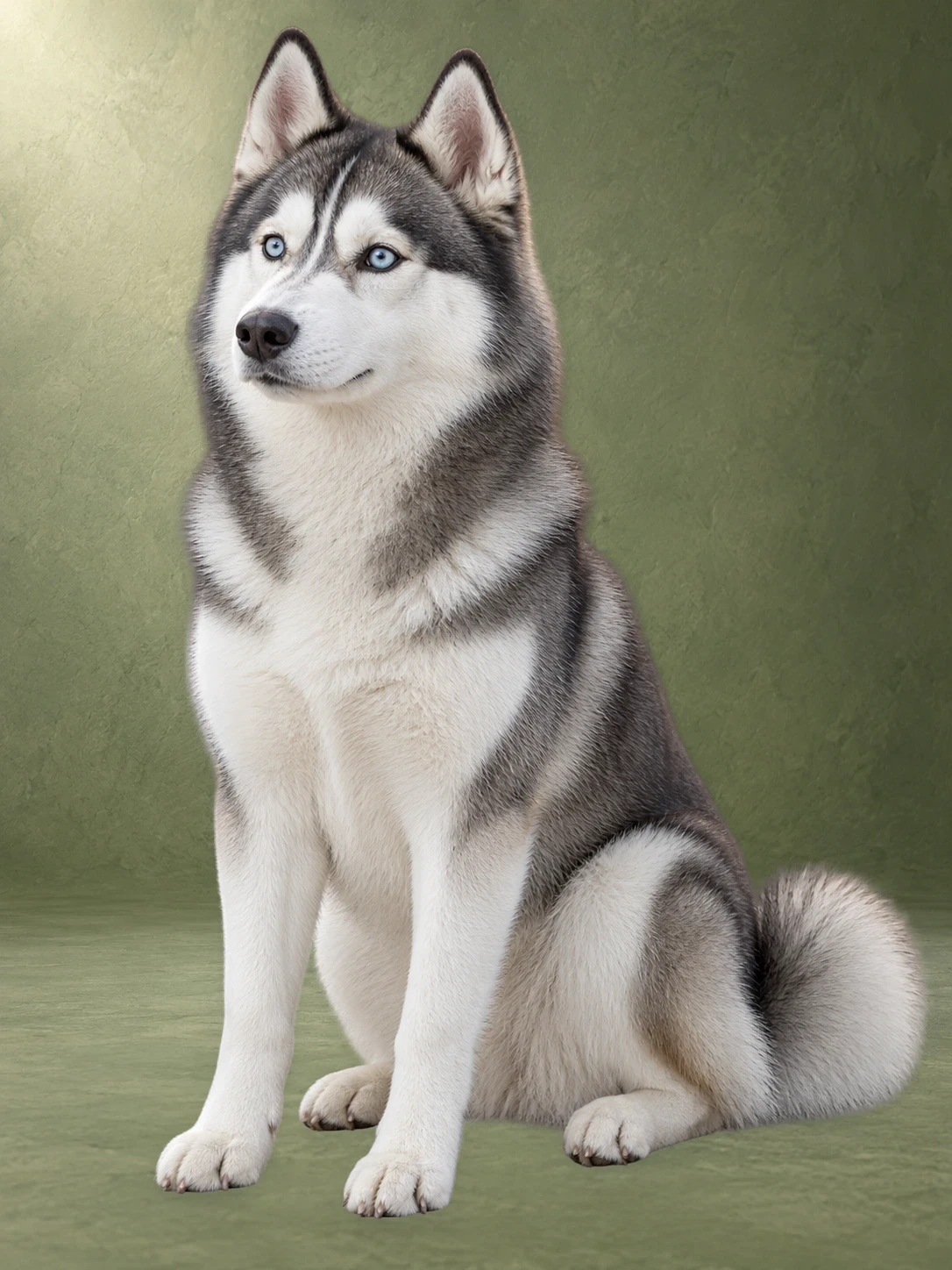
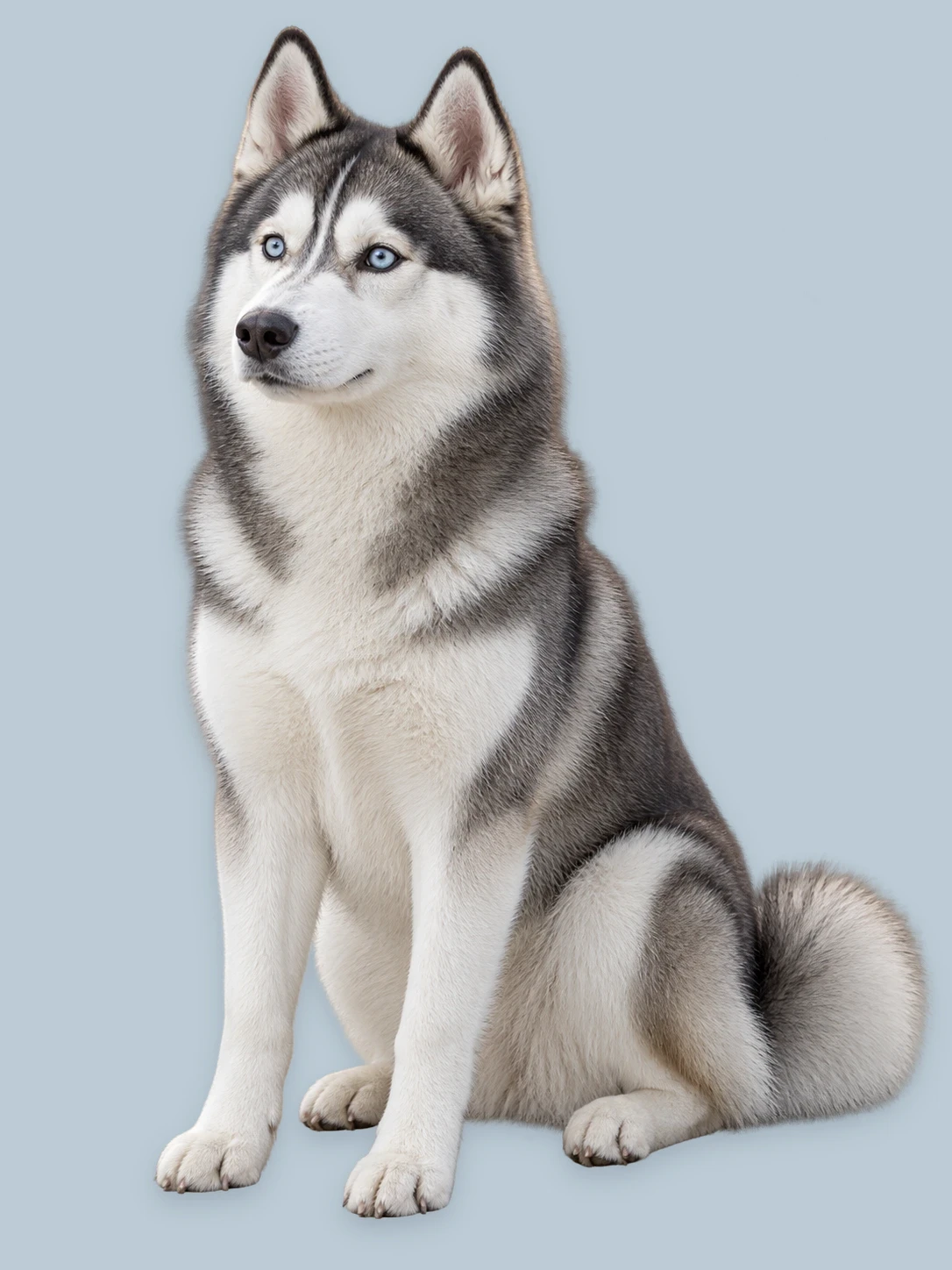
White dog before and after animal background removal
White dog before and after animal background removal overlay

Animal background remover for pets and wildlife

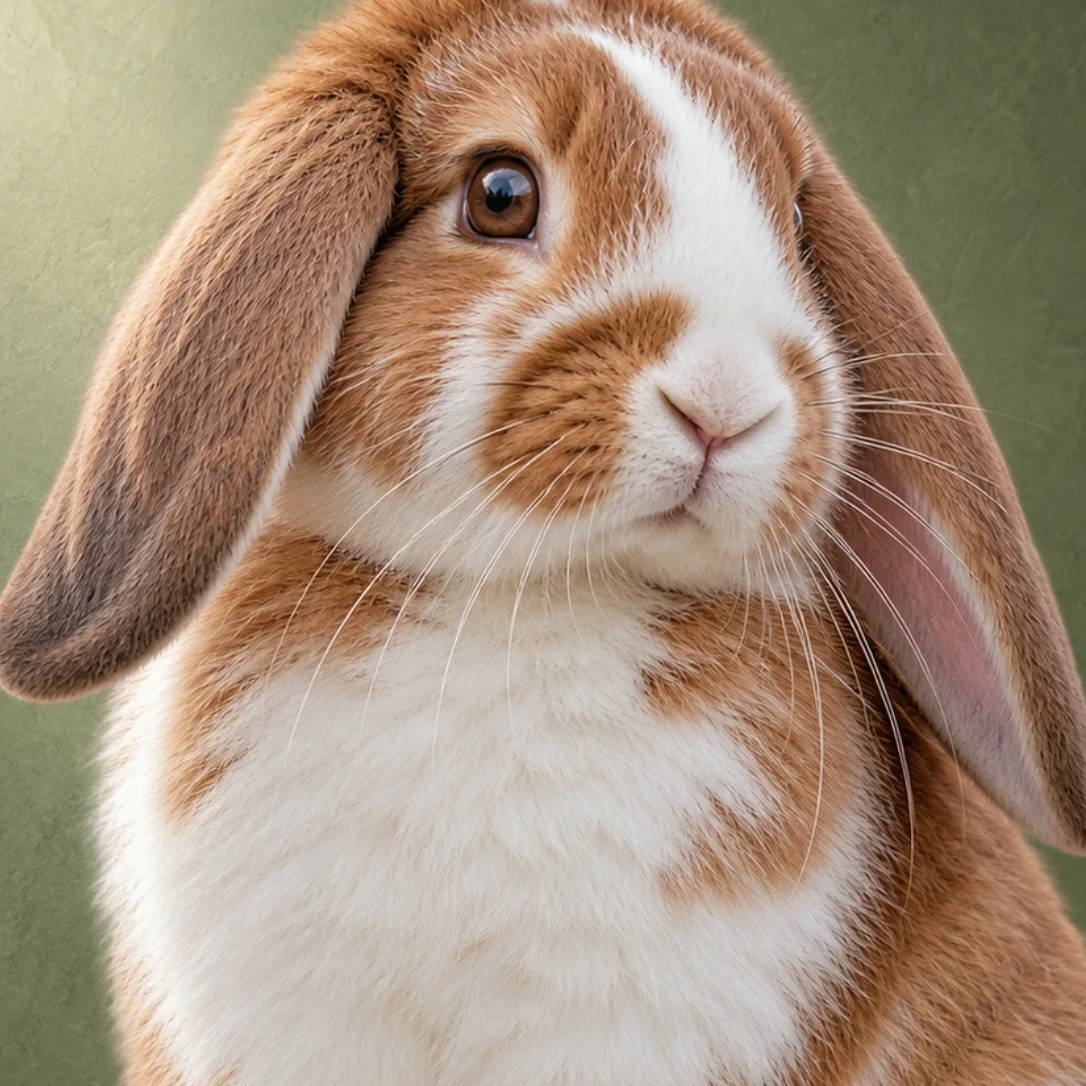
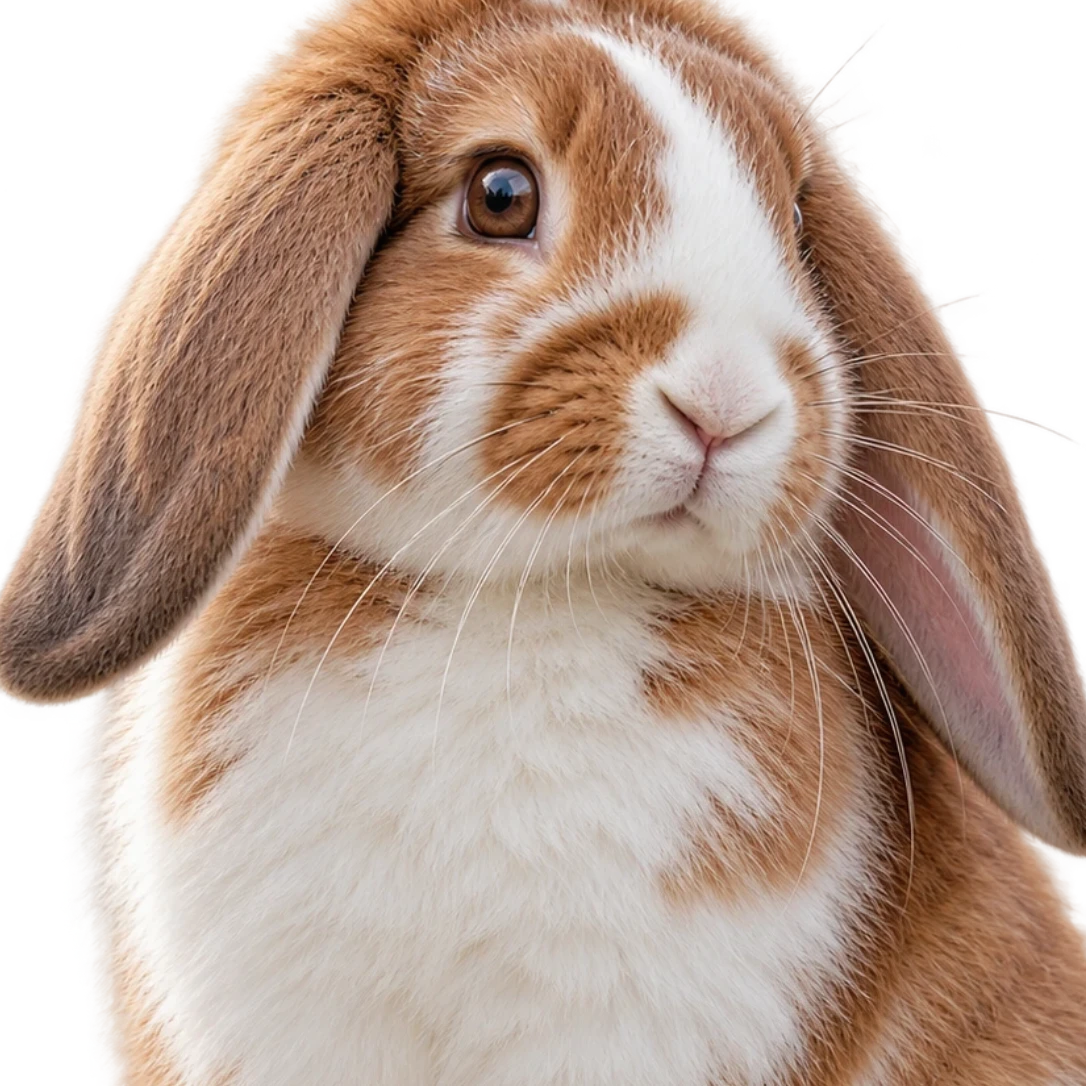
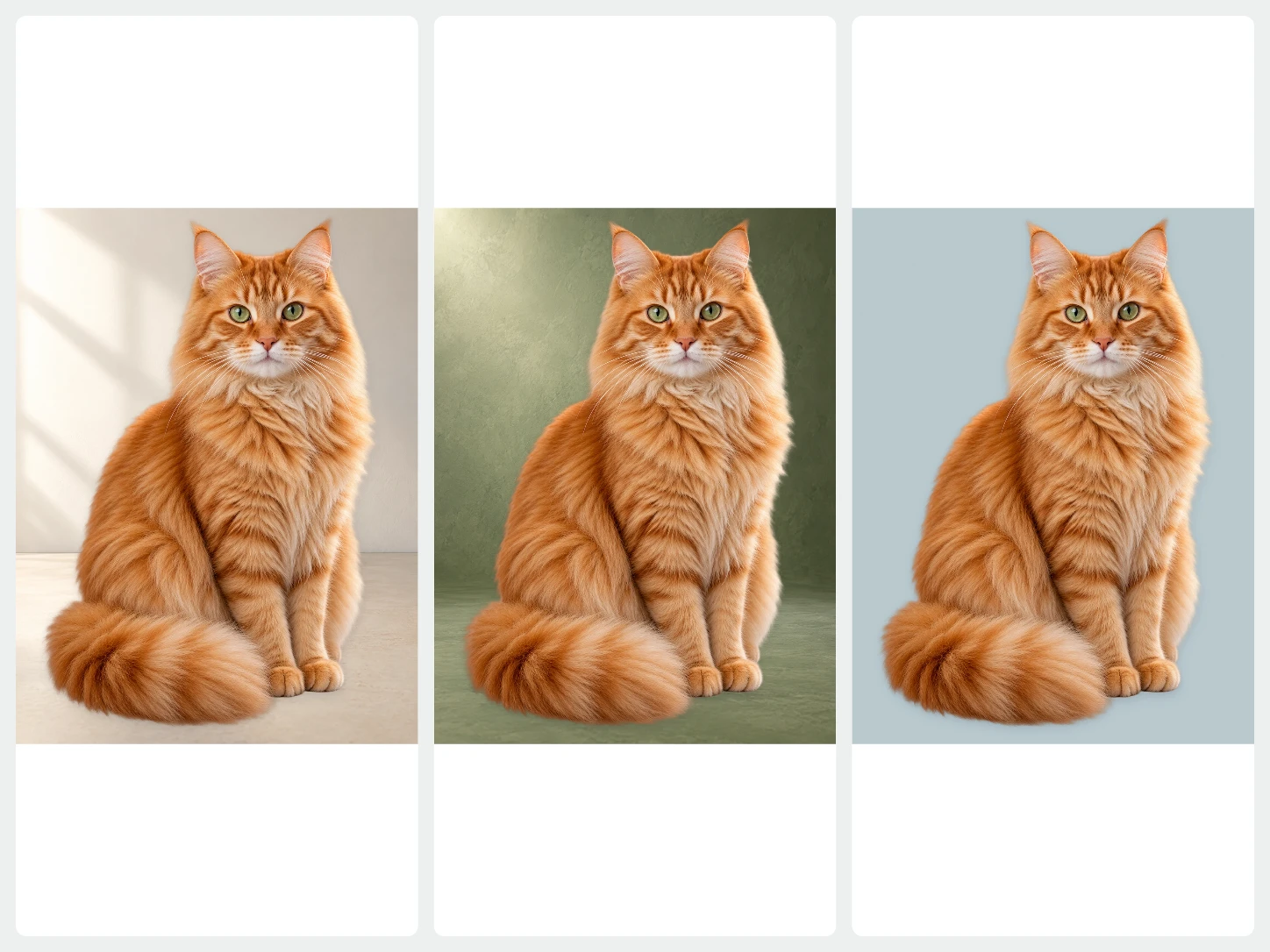
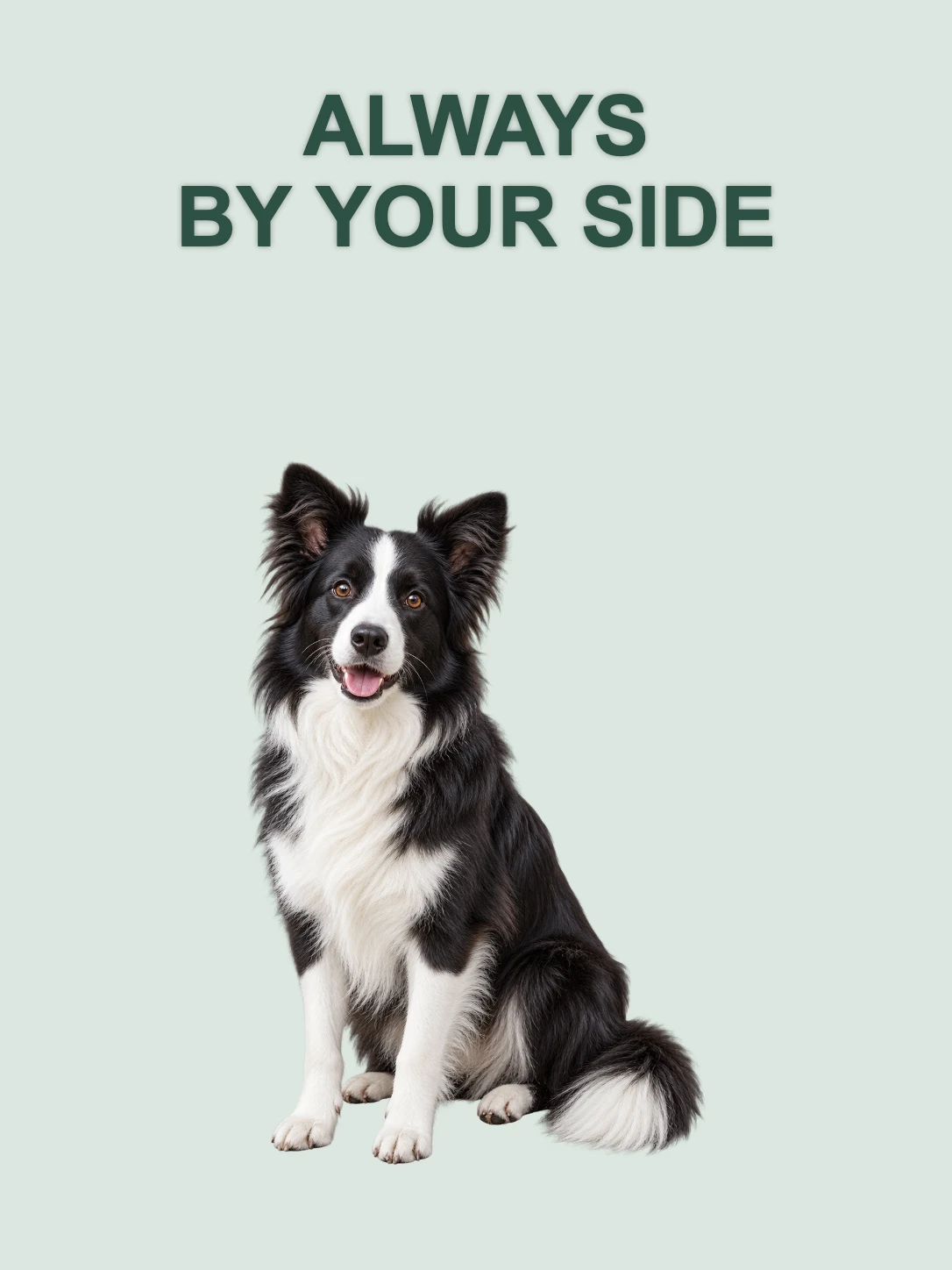
Remove animal backgrounds for cleaner pet and wildlife images while keeping fur, feathers, markings, and expression natural.

Animal background remover examples for pets and wildlife

Animal photos need more than a clean outline. Fur, feathers, markings, antlers, and small legs all have to stay readable.

Tiger before and after animal background removal
Tiger before and after animal background removal overlay

Hold onto markings and body shape

Patterned coats and long bodies need clean edges so the animal still looks natural away from the original scene.

Deer before and after animal background removal
Deer before and after animal background removal overlay

Keep antlers, ears, and legs clear

Thin shapes can disappear into grass or trees. A clean result keeps antlers, ears, legs, and spots easier to see.

Bird before and after animal background removal
Bird before and after animal background removal overlay

Let feather color and pose stand out

Bird photos often include soft blur, leaves, and branches. Removing the background helps the color, perch, and silhouette read clearly.

Remove animal backgrounds while keeping shapes natural

Fur, feathers, paws, and markings need a little more attention than simple objects. A quick before-and-after check helps the final image stay recognizable.

01

Keep the full body in frame

Avoid cutting off tails, paws, ears, wings, or antlers when those details matter to the finished image.

02

Separate fur from the scene

Fur and feathers work better when they are not the same color as grass, blankets, trees, or shadows.

03

Use calm motion

Fast movement can blur paws, wings, and faces, making the final edge harder to review.

04

Fur and feather edges

Look for rough patches around fluffy coats, tails, wings, and feather tips.

05

Face and expression

Check eyes, nose, mouth, ears, and markings so the animal still feels lively and natural.

06

Thin shapes

Review legs, antlers, whiskers, collars, and leashes where background traces can hide.

Animal background remover FAQ

Quick answers about pet photos, wildlife images, fur edges, and clean results.

When should I use an animal background remover?

+

Use an animal background remover for pet profiles, adoption posts, content covers, keepsakes, product promos, or brand materials when the animal should stand out. It is useful when the original scene is crowded, dark, or pulling attention away from the animal.

Can Bgbye handle fur and feathers?

+

Yes. Bgbye can process pets, birds, and wildlife images where the animal is clearly visible. Fur and feathers vary a lot from photo to photo, so preview the result before using it in a post, profile, or listing.

How can I use the finished animal image?

+

A cleaner animal result is easier to crop, reuse, or place into posts, profiles, and creative layouts. It can also help when you want multiple pet photos to feel consistent across a set of social or listing images. For the general tool, start from the Bgbye image background remover.

Can it keep unusual poses?

+

Yes, as long as the animal is clear enough in the original photo. Action shots, curled-up pets, long tails, and unusual silhouettes can still work, but they may need a closer look before download.

Can I prepare several animal photos at once?

+

Yes. Batch upload helps when you are preparing adoption images, pet profile photos, social posts, or multiple product images that feature animals. You can review each result and download the ones that are ready. For product-only batches, see product images.

What background works best for animal images?

+

A simple final background often works well for adoption posts, pet profiles, and content covers. Choose the background style that keeps attention on the animal and fits the place where the image will be used.