Or drop images here.

PNG / JPG / WEBP / AVIF · Batch upload · Max 5 MB each

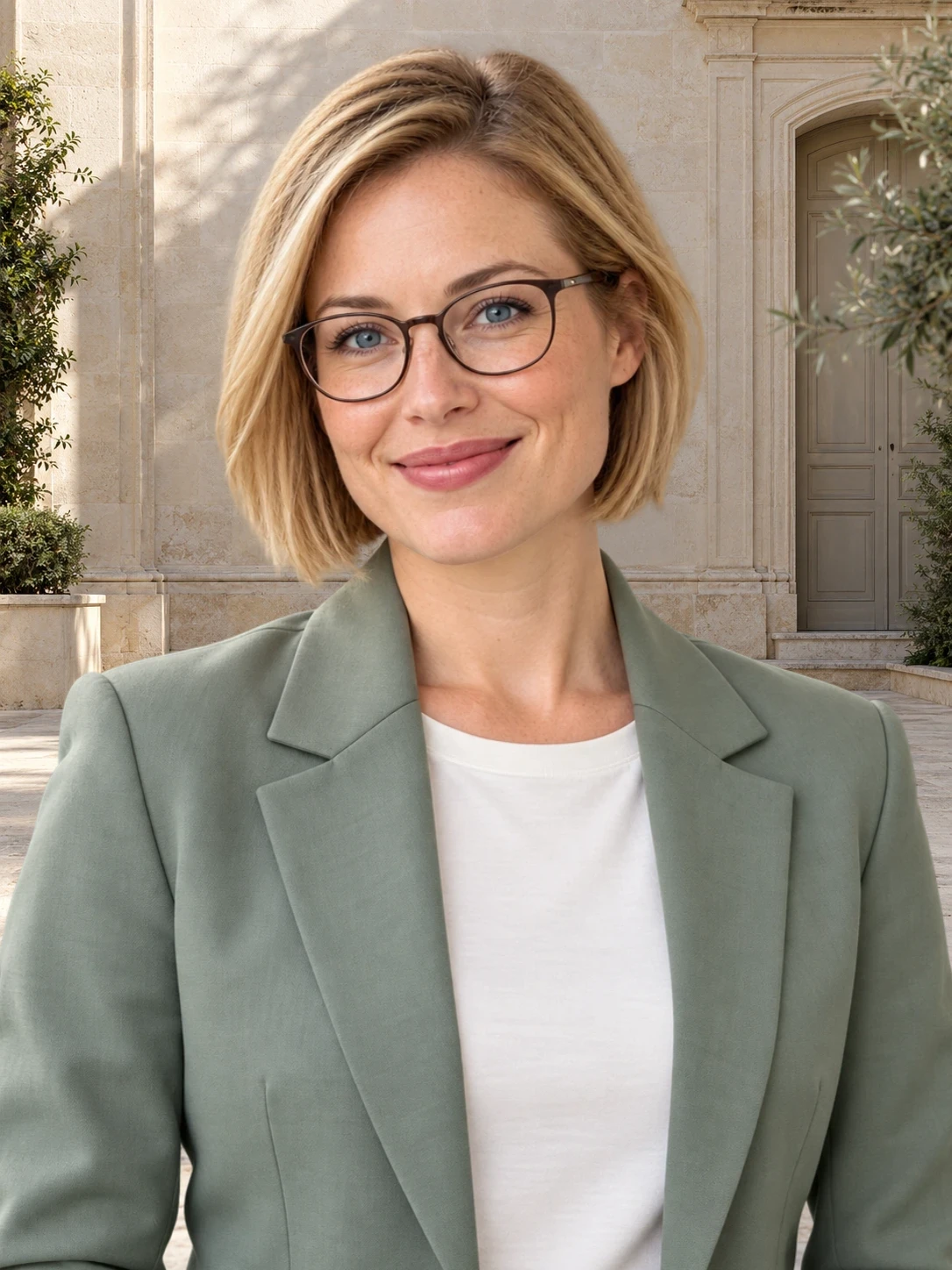
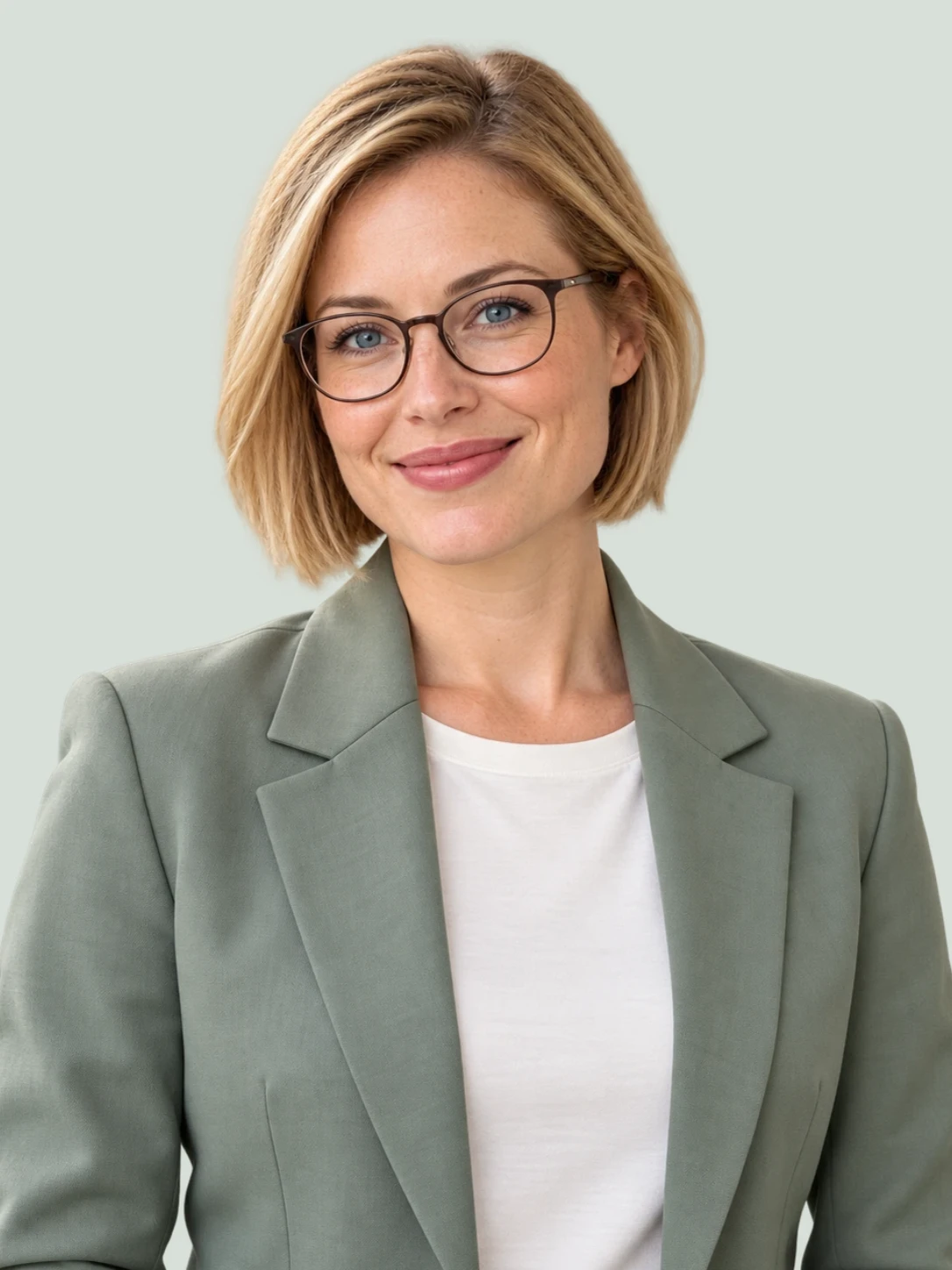
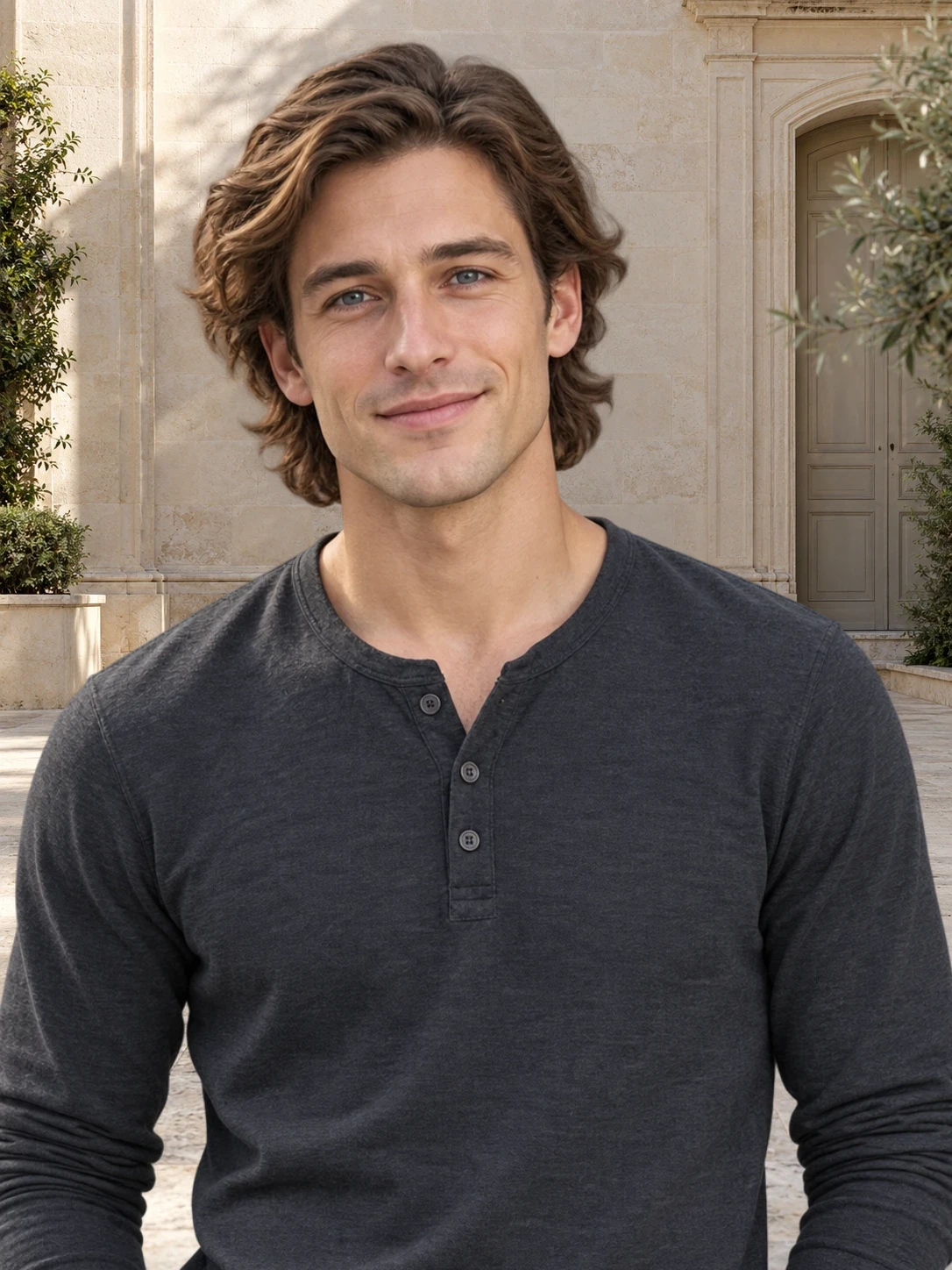
Outdoor portrait before and after background removal
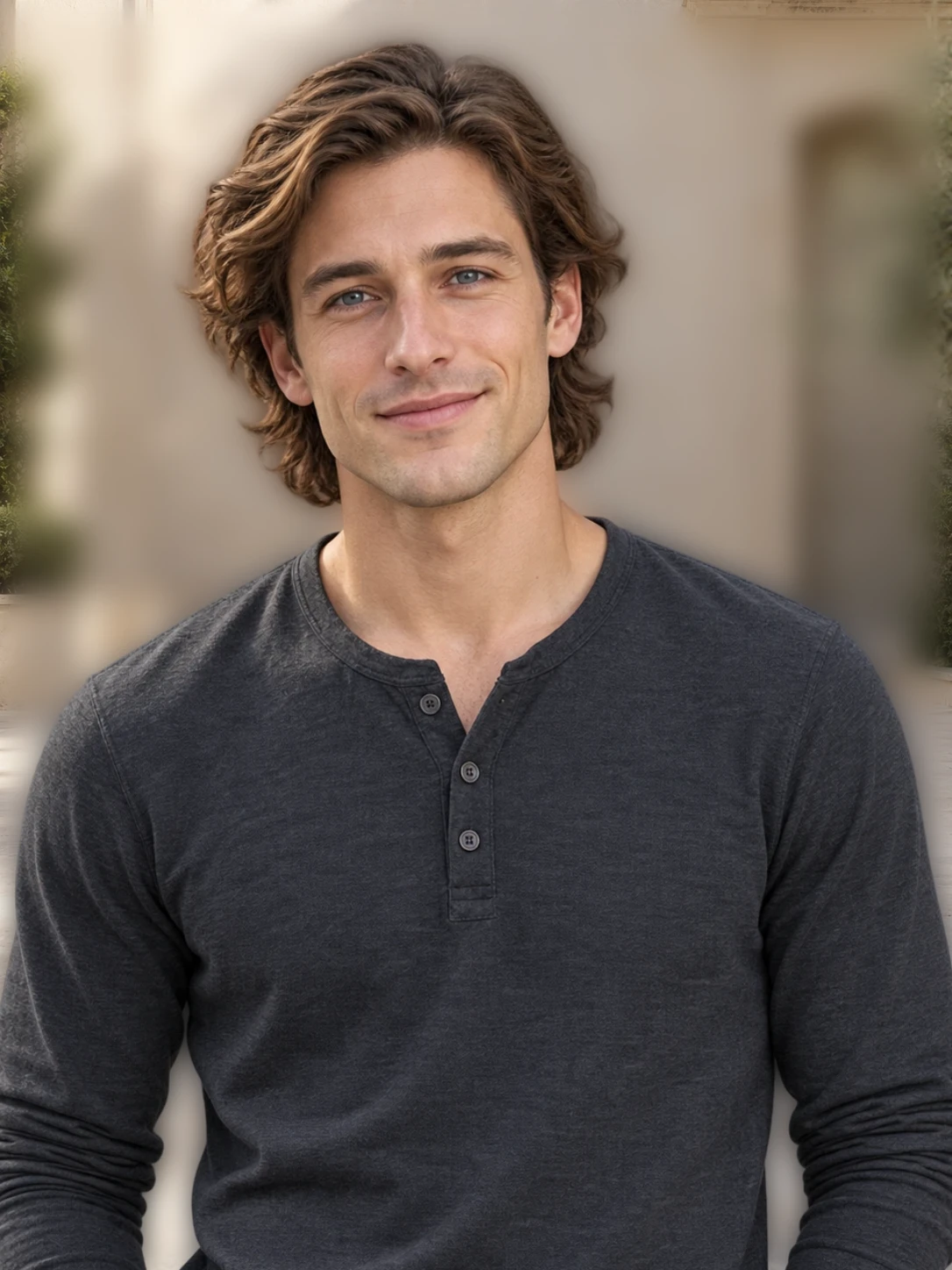
Outdoor portrait before and after background removal overlay

Portrait background remover for headshots

Remove portrait backgrounds for cleaner headshots and profiles while keeping hair, shoulders, and facial detail natural.

Portrait background remover examples for profiles and headshots

From outdoor shots to low-light scenes, Bgbye keeps attention on the person while preserving hair, shoulders, and facial detail.

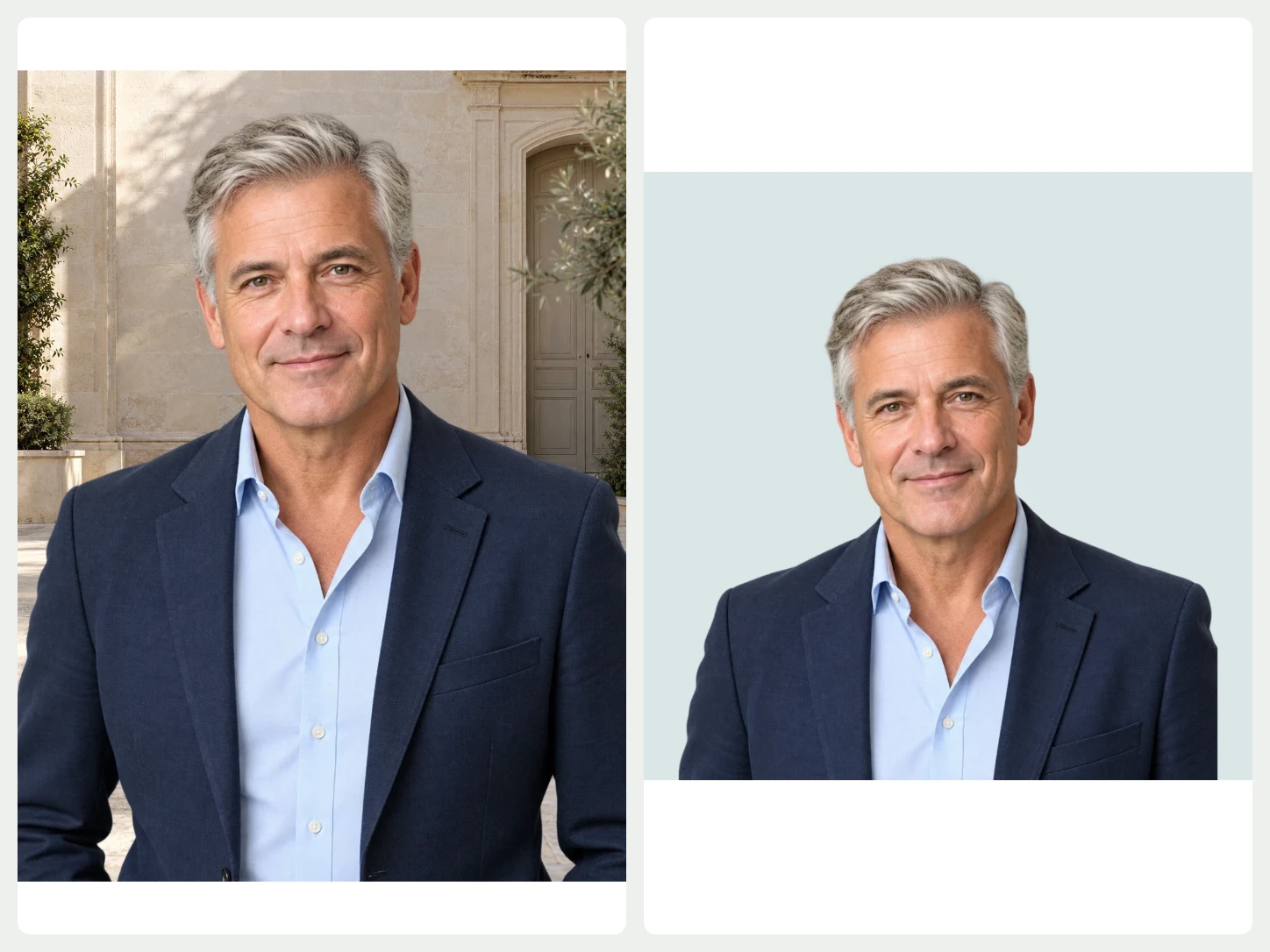
Garden portrait before and after background removal
Garden portrait before and after background removal overlay

Keep attention on the face

Busy outdoor scenes can compete with a portrait. Removing the background helps the face, hair, and pose read more clearly.

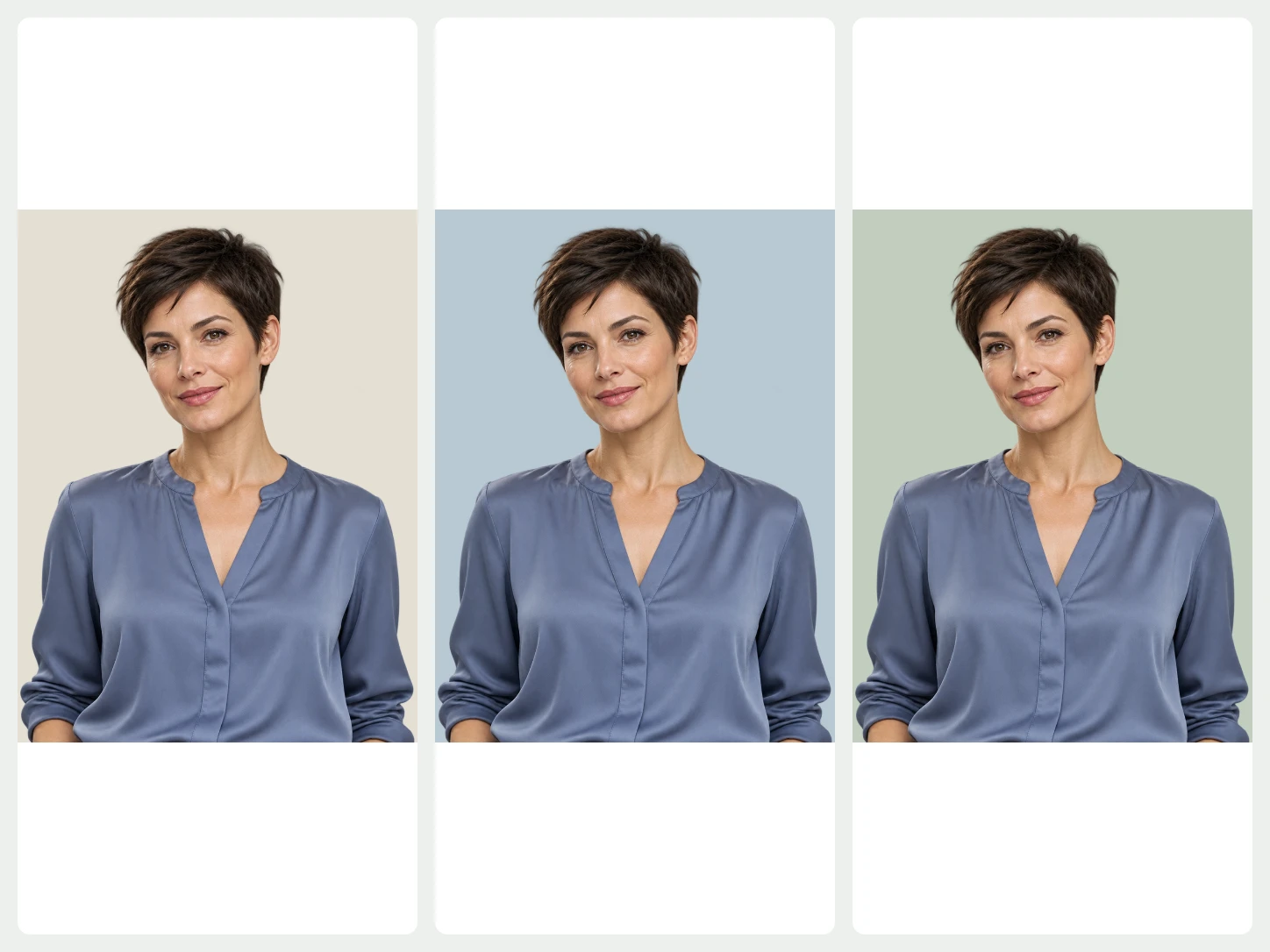
Studio portrait before and after background removal
Studio portrait before and after background removal overlay

Preserve hair and shoulder edges

Hair, shoulders, and soft clothing edges need enough detail to feel natural after the surrounding color is removed.

Low-light portrait before and after background removal
Low-light portrait before and after background removal overlay

Clean up low-light portraits

Night scenes and blurred lights can distract from the person. A cleaner result makes the portrait easier to use in profiles, covers, or event visuals.

Remove portrait backgrounds without losing hair detail

Portraits are sensitive because small edge changes can affect how human the result feels. Use this quick pass before you start and again before you download.

01

Use a clear face angle

Front-facing or three-quarter portraits usually give cleaner results than photos where the face is hidden or heavily shadowed.

02

Avoid crowded edges

Loose hair, hats, collars, and shoulders are easier to keep when they are not blending into a busy background.

03

Watch soft focus

A slightly blurred photo can still work, but very soft hair or clothing edges may need closer review.

04

Hairline and flyaways

Look around loose hair, curls, and fine strands where small background traces are easiest to miss.

05

Shoulders and clothing

Check sleeves, collars, and soft fabric edges so the body shape still looks natural.

06

Crop after cleanup

Download the clean result first, then crop it for avatars, headshots, event covers, or profile layouts.

Portrait background remover FAQ

Quick answers about portrait images, hair detail, and common uses.

When should I use a portrait background remover?

+

Use a portrait background remover for headshots, avatars, event posters, social covers, and profile images when the person needs to stay in focus. It helps when the original setting feels messy, too personal, or unrelated to the place you want to use the photo.

Can you keep hair and shoulder detail?

+

Yes. Bgbye is built to keep portraits usable around hair, shoulders, and soft clothing edges. Very complex hair or low-contrast scenes may still need a closer preview before you decide whether the image is ready.

How can I use the finished portrait?

+

A cleaner portrait result is easier to crop, reuse, or place into headshots, profiles, covers, and simple design layouts. You can also add a plain color or simple design background later to match the destination. For the general tool, start from the Bgbye image background remover.

What if the lighting is not ideal?

+

You can still try it. Low-light portraits often work, but the result may need more attention than a bright photo. If the face is clear and the person is easy to identify, Bgbye usually has enough information to start from.

Can I process several portrait images?

+

Yes. You can upload a batch when you are preparing profile photos, event speaker images, or a set of team portraits. Review each result before downloading so the final set feels consistent. If your set includes products or animals too, see product images or pet and animal photos.

What background should I choose for a portrait?

+

Choose the background option based on where the portrait will go next. A simple final background works well for profiles and documents, while a more flexible result is better when you plan to design around the person later.